Cybersecurity: How to Protect Yourself from Fraud and Data Theft
Whether we’re shopping online, reading emails, or scrolling through social media, we’re online every day and often reveal more personal information than we realize. It’s precisely this data that cybercriminals find valuable. They try to gain access to accounts, intercept passwords, or lure people to fake websites. The good news: You don’t have to be an IT pro to protect yourself better. Even simple habits can help significantly reduce many risks.
Why Cybersecurity Is So Important in Everyday Life
Today, the smartphone is a keychain, wallet, photo album, and communication hub all in one. It’s used for banking, online shopping, passwords, private messages, and important documents. That’s why getting an account hacked can quickly become a major headache. In the worst-case scenario, personal data is misused, orders are placed, or contacts are sent fraudulent messages.
Many attacks succeed not because the technology is particularly complicated, but because people are put under pressure. A message seems urgent, a link looks genuine at first glance, or a password is reused across multiple platforms. If you know the most common tricks, you’ll recognize suspicious situations faster and react more calmly.
1. Use strong passwords
A secure password is your first line of defense. Avoid simple words, names, birthdays, or number sequences like “123456.” Long passwords with at least 12 characters—consisting of uppercase and lowercase letters, numbers, and special characters—are better.
What you can do now:
- Change your passwords regularly, especially if you suspect an account may have been compromised or if a service provider notifies you of a data breach.
- Use a unique, secure password for each service.
- Store passwords securely and separately from one another.
- Alternatively, use a password manager. It stores your login credentials in encrypted form and can automatically generate strong passwords.
2. Enable two-factor authentication
Even a strong password can fall into the wrong hands. That’s why two-factor authentication—or 2FA for short—is worth using. With 2FA, a password alone is no longer enough. A second form of verification is required, such as a code from an authenticator app or a confirmation on your smartphone.
What you can do now:
- Enable 2FA, especially for important accounts (customer data, online banking, social media, cloud services)
- If possible, use an authenticator app instead of SMS codes
- Keep recovery codes in a safe place
3. Carefully check links and emails
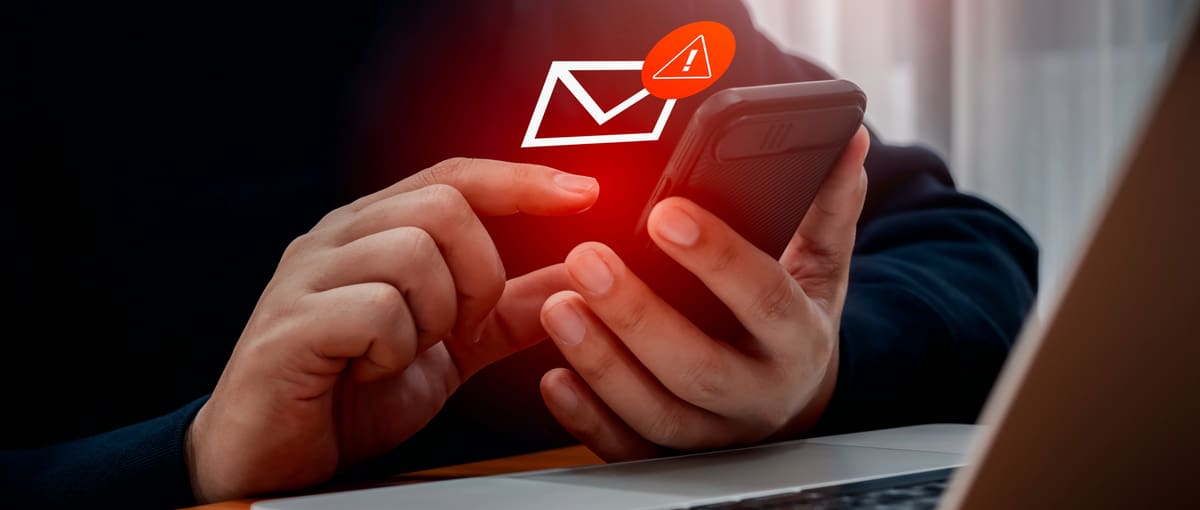
Phishing is one of the most common types of online fraud. Criminals pose as well-known companies, package delivery services, banks, or even coworkers. For example, they may claim that your account has been locked, that a payment is outstanding, or that you urgently need to verify your information. The scammers’ goal is almost always to get you to click on a link and enter personal information.
What you can do now:
- Carefully check sender addresses and watch for unusual phrasing, spelling errors, or excessive time pressure.
- On a computer, hover your mouse over a link, or on a smartphone, press and hold it briefly to see the destination address.
- Only enter passwords or payment information on websites whose addresses you’ve opened yourself and whose authenticity you can verify.