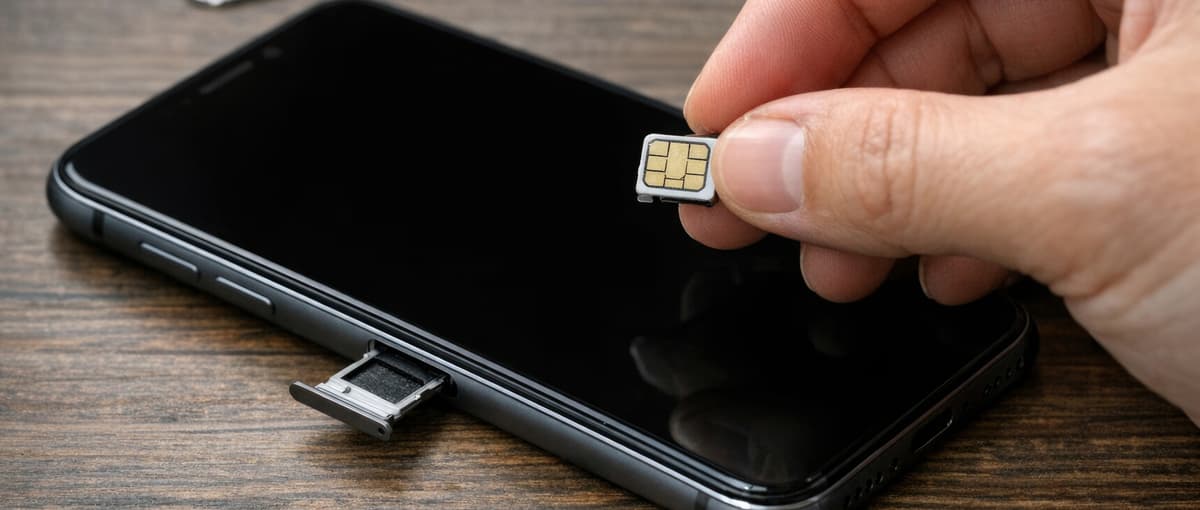
SIM card not recognized? Here’s how to fix the problem
You just want to send a quick message, and then this happens: Your SIM card isn’t recognized. That means you have no network, no signal, and no connection. While this is annoying, it’s usually no reason to panic. In the vast majority of cases, it’s actually just a minor, fixable problem. We’ll show you what might be causing your phone to not recognize the SIM card and how to get back online quickly.
Why doesn’t your phone recognize the SIM card?
There are various reasons why your phone might not recognize the SIM card. The good news: Most of them can be fixed quickly, without any technical expertise.
Common causes at a glance:
- - The SIM card isn’t seated properly in the slot.
- - The contacts on the SIM or in the device are dirty.
- - A software error is preventing the SIM from being recognized.
- - The SIM card is damaged or expired.
- - The wrong SIM format was inserted.
The error message “No SIM card” occurs particularly often after a drop, a software update, or inserting a new SIM card. But there are solutions for this, too.
Phone Doesn’t Recognize the SIM: What You Can Do
The simplest solutions are often the most effective. Before you give up on your phone, try the following steps:
- 1. Restart your phone: It sounds trivial, but it works surprisingly often. A restart resets many processes and gives your device a chance to recognize the SIM card again and reconnect to the network. Hold down the power button, turn off the device, and turn it back on after a few seconds. In many cases, the SIM will be recognized again afterward.
- 2. Remove and reinsert the SIM card: Turn off your smartphone, open the SIM slot using the included tool (or carefully with a bent paperclip), and gently remove the card. Check that the gold contacts are clean and blow gently into the slot. Then reinsert the SIM card correctly, making sure it’s oriented the right way.
- 3. Test the SIM card in another device: If your phone still doesn’t recognize the SIM card, try inserting the card into another smartphone. If it works there, the problem is with your device. If it doesn’t work there either, the SIM card itself is likely defective and needs to be replaced.
Phone Suddenly Stops Recognizing the SIM Card: Software Issues as the Cause
It’s not always the hardware’s fault when the SIM card is no longer recognized. Sometimes the phone suddenly stops recognizing it because a software error is disrupting communication. This can happen, for example, after an update or due to a faulty app.
These steps can help:
- - Reset network settings: You’ll find this option in Settings under “General” or “System.” While this will delete saved Wi-Fi passwords, it often restores SIM recognition.
- - Update the software: A pending update can fix bugs that are blocking SIM detection. Check under “Settings” > “Software Update” to see if a new version is available.
- - Turn Airplane Mode on and off: Enable Airplane Mode for about 30 seconds, then disable it again. This forces a new connection to the cellular network. Restarting your phone works in a similar way.
If the SIM card still isn’t recognized after that, there may be a hardware issue. In this case, visit a specialty store for assistance.
Phone not recognizing the new SIM card? Here’s why
If your phone doesn’t recognize the new SIM card, it’s often due to one of these reasons:
- - SIM not yet activated: After ordering, it can often take a while for the card to be activated. Just wait a little longer and then try again, or contact your carrier directly.
- - Wrong size: SIM cards come in standard, micro, and nano sizes. Check which size your smartphone requires.
- - SIM lock: Some older devices are locked to a specific carrier. A SIM lock prevents cards from other carriers from working.
By the way: If you’re wondering whether it’s worth switching your cell phone plan, TalkTalk offers transparent rates with a hassle-free activation process.