Back up data on your cell phone & protect it long-term
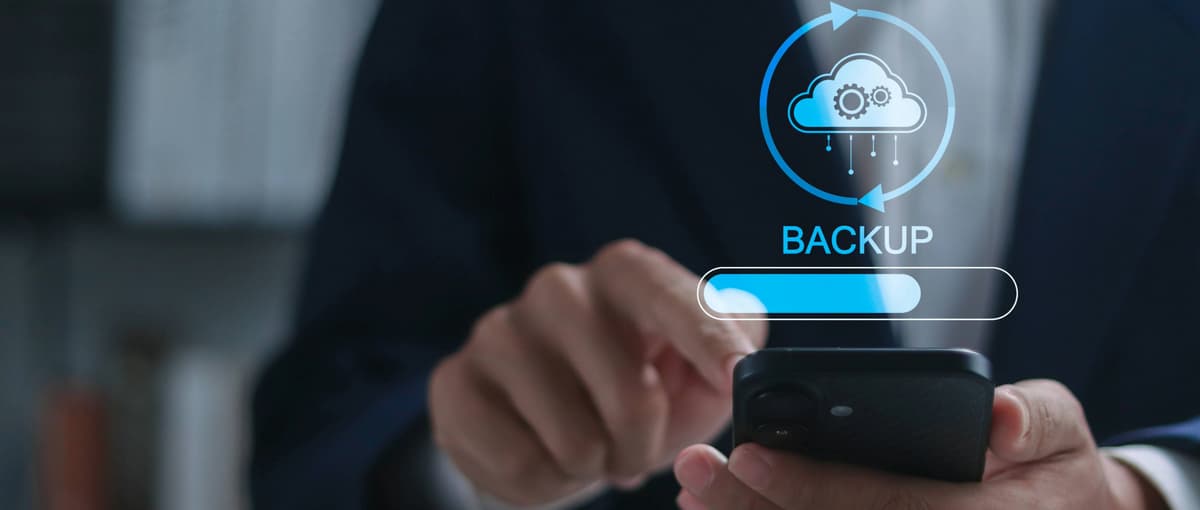
Photos from your last trip, important contacts, chat histories, or notes for everyday life: your smartphone contains more private insights and factors than many people realize. If you want to back up the data on your cell phone, you are creating the ideal basis for ensuring that this content is preserved even if the device no longer works.
A cell phone accompanies you throughout the day, collects a lot of important information, and becomes your digital memory.
Why data backup is part of everyday life today
A brief moment of carelessness is enough to lose all your important data and recordings. Has your smartphone fallen, landed in water, or suddenly stopped working? In situations like these, it immediately becomes clear how well prepared you are.
With regular backups, you can ensure that your personal content is not tied to a single device. If you back up your data early on, you remain flexible and save time and stress in an emergency.
Typical triggers for data loss are:
Falls or liquid damage
technical defects without warning
Software-Updates mit Fehlern
Loss or theft
A well-designed data backup system addresses precisely these issues and provides peace of mind in stressful moments.
Data backup for cell phones: Which content is particularly worth protecting
Not all data on a mobile device has the same value. Apps, for example, can be reinstalled at any time. Personal content, on the other hand, is often unique and, above all, emotionally valuable.
This includes, among other things:
Photos and videos
Contacts and call logs
Messages and chat histories
Calendar, notes, and documents
Settings and app data
If you want to back up specific data from your cell phone, focus on this content.
How modern data backup works on cell phones
Today's smartphones already offer many features that work reliably in the background in everyday use. The big advantage is that backups usually run automatically and require little attention. They run via your Wi-Fi or mobile Internet.
On Android devices, this usually happens via your Google account, and on iPhones via iCloud. Content is synchronized as soon as an internet connection is available. If necessary, it can be easily restored later.
The technology is less important here. Instead, it's the regularity that matters. Active data backup on your cell phone only protects you if it is kept up to date.
Saving cell phone data: What happens if your cell phone suddenly breaks down?
An unresponsive display or a black screen quickly causes uncertainty for many people. This is where prevention and risk separation come into play.
If a defect occurs, much of the content can be easily restored with an existing backup. Photos, contacts, and apps are often automatically visible after logging in on a new device.
Without a backup, things become much more complicated. You can try to recover your cell phone data, but this involves technical effort and is not always successful. An early backup saves you this step entirely.
Broken cell phone and data recovery: possible even with severe damage
A fall or water damage does not mean that all content is lost. The condition of the backup before the damage occurred is important. If your cell phone is broken and you want to recover your data, timing plays a major role. If you have a current backup, data can be restored regardless of the condition of the device. In the event of total damage to your cell phone, the advantage of a cloud or external backup becomes clear. Content is preserved even if the device is no longer usable.
Both options have their merits and can be combined effectively. But what are the advantages of each method?
Cloud backups offer:
automated processes
Access from multiple devices
rapid recovery
External backups score points with:
full control over the data
full control over the data
clear separation from the smartphone
Many people now consciously use both methods. This creates a safety net that makes all important content accessible again, even in unexpected situations.
How often should you back up the data on your cell phone?
The more intensively you use your smartphone via Wi-Fi or Data Booster, the more often you should back up your content. If you take photos every day or send a lot of messages, you will benefit from frequent backups.
A proven approach is:
automatic backup in everyday life,
additional protection against device changes and
check after major updates.
If you proceed as described, the data will remain up to date without the need for constant manual intervention.
What to look out for when backing up data
A backup is only useful if it actually works. A quick glance at the settings is enough to stay on the safe side.
It is worth checking the following points:
last backup time
available storage space
active synchronization
correct account registration
If you always keep these aspects in mind, you can ensure that your data backup remains reliable.
Data backup creates security in everyday life
If you want to back up your data on your cell phone, you invest a little time and gain a lot of security. With a clear strategy for “backing up data and protecting your cell phone,” your personal content remains protected no matter what happens to your mobile device.
FAQs about backing up data on your cell phone
How often should I back up my data on my cell phone?
Regular backups reliably protect your data from loss. If you use your device actively, we recommend setting up automatic backups in the background. This ensures that new content is backed up at all times.
Is it sufficient to back up the data on your cell phone, or do you need multiple backups?
Backing up your data covers many scenarios. However, additional backups significantly increase security. It is particularly worthwhile to back up important content multiple times.
How can cell phone data be recovered if the device no longer responds?
With an existing backup, you can quickly transfer data to a new device. Without a backup, success depends on the extent of the damage. However, technical solutions are then costly.
Is it possible to recover data from a mobile phone that has been completely destroyed?
If a backup exists, the contents of the defective device will be preserved. However, without a backup, recovery is uncertain. To be on the safe side, you should back up your content early on.
What role does data backup on your cell phone play when changing devices?
If you have a current data backup, moving to a new device is fairly simple. Content appears automatically after logging in. The switch can be made without any loss of data.
You can find more articles about landlines, mobile phones, and your home network on our TalkTalk blog.